DSers
Smart WiFi Vibration Sensor - Real-Time Alerts
Smart WiFi Vibration Sensor - Real-Time Alerts
No se pudo cargar la disponibilidad de retiro
DSPECIFICATIONS
Alarm current: ≤125mANoviX Home
Battery: DC3V LR03 (not included)
Brand Name: NoEnName_Null
Certification: CE,FCC,RoHS
Choice: yes
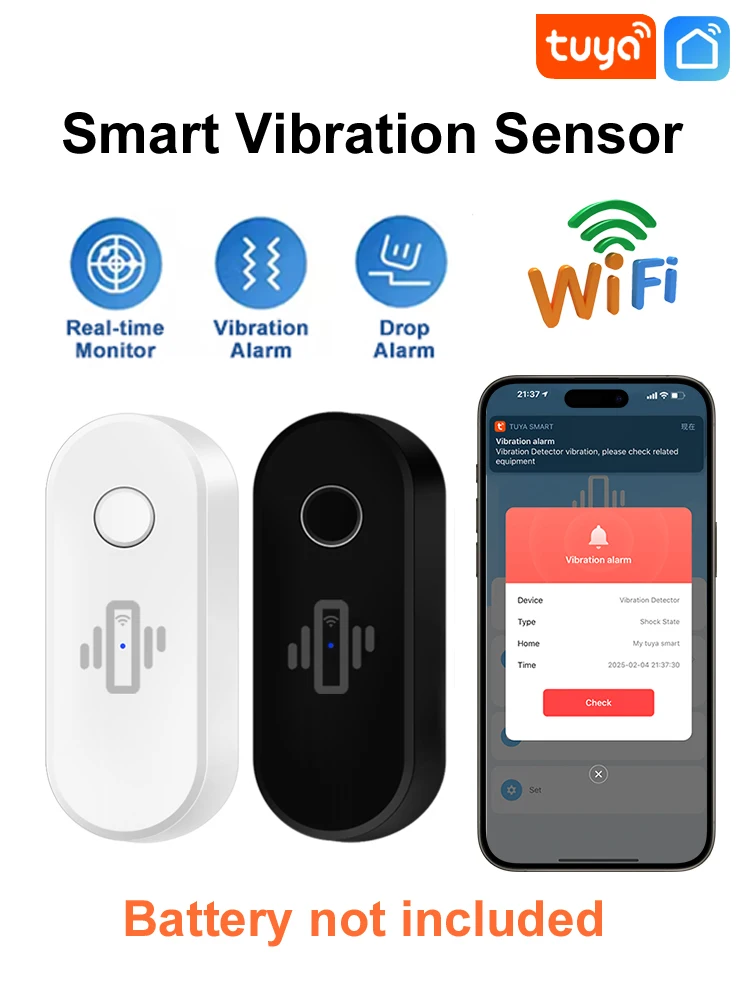
Color: White / Black Optional
Communication: 2.4G WiFi
High-concerned chemical: None
Low Battery Alert: <2.4V
Model Number: ER-ZD-W01
Origin: Mainland China
Smart home platform: alexa,Tuya
Standby current: ≤30uA
Transmission distance: 10-30 meters(no obstruction indoor)
Vibration Levels: High, medium, low
Working humidity: ≤95%
Working temperature: -10℃ - 55℃
Working voltage: DC 3V
WiFi Vibration Sensor
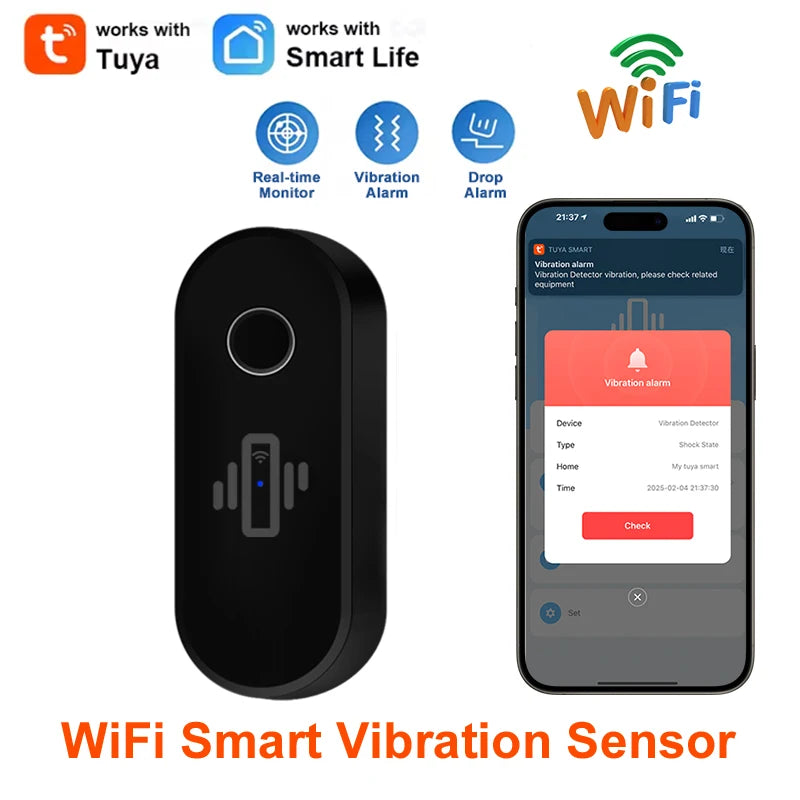
APP: Tuya Smart / Smart Life
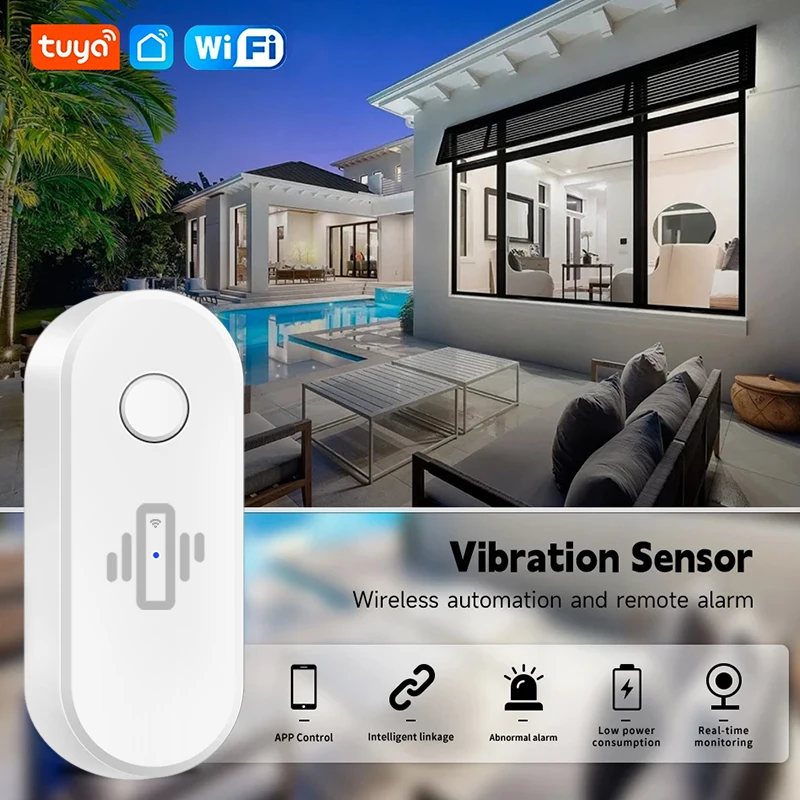
Common installation locations: Glass windows, glass doors, wooden doors, safes, and any other places where vibration detection is required.
Product Include
White and Black color optional.
1 * WiFi Vibration Sensor (battery not include)
1 * Double-sided tape
1 * Manual Book
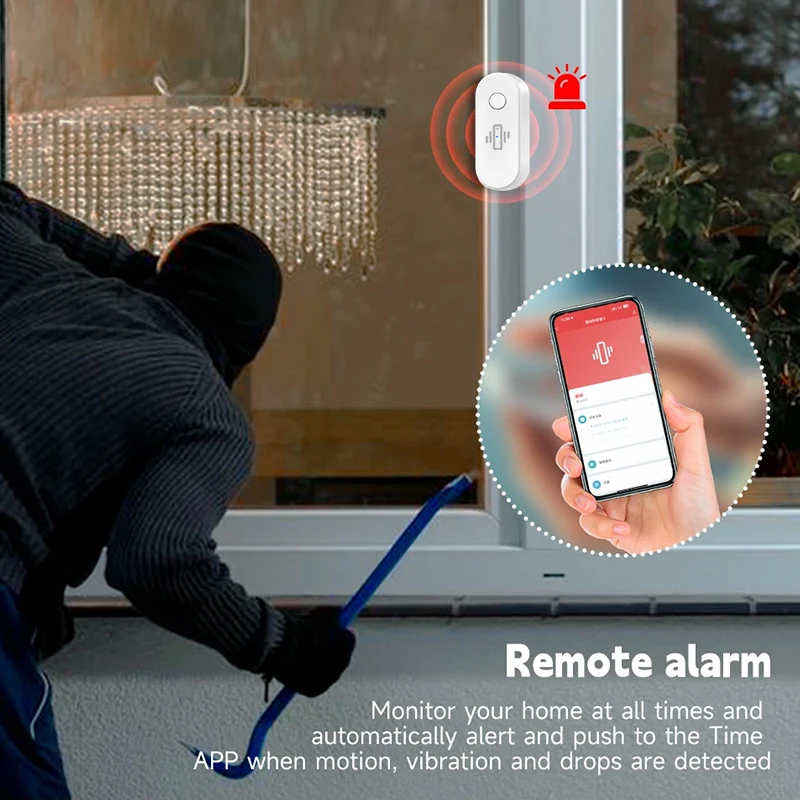
APP Remote Alert
After install this vibration detector, you can monitor your house anytime and anywhere, it will automatically alert and push to the Tuya APP when motion, vibration and drops are detected.
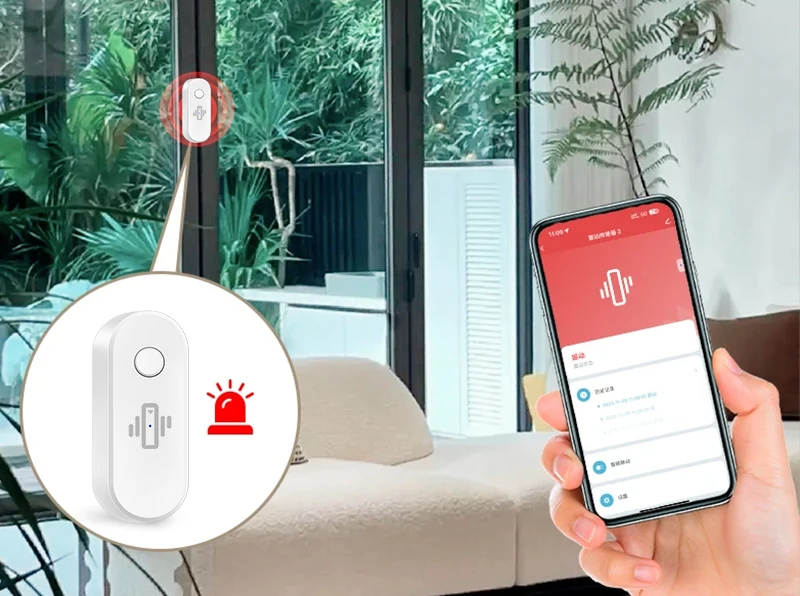
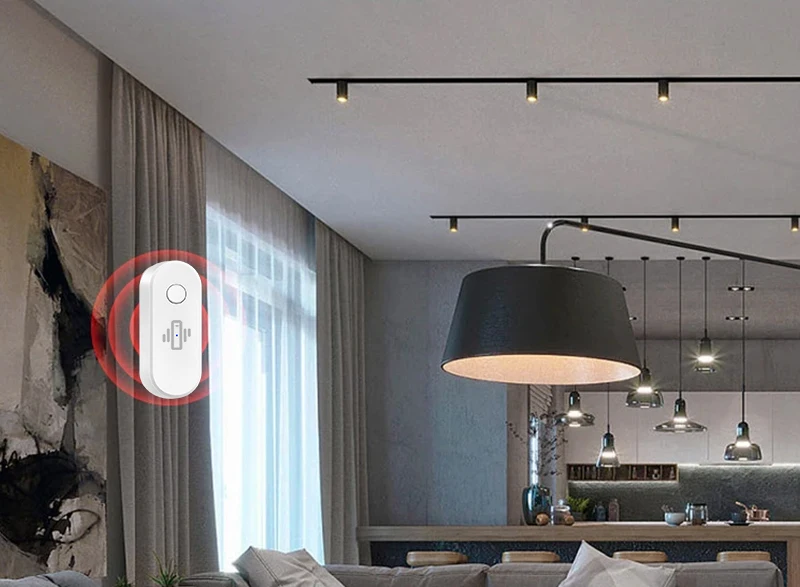
Intelligent linkage
For example: You can set up automation, after detecting motion, vibration, drop, open curtains and turn on the light bulb automatically.
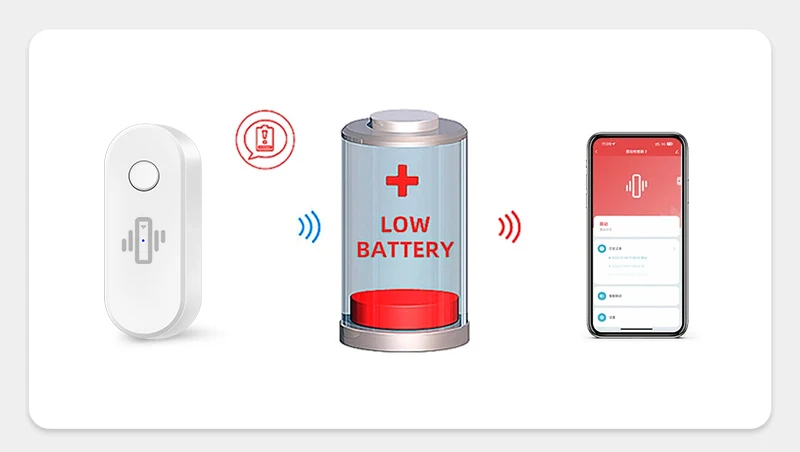
Low battery alarm
Low power consumption, real-time energy saving and long standby time. Low battery reminder function will remind you replace battery in time.
Easy installation.
lt can be placed anywhere according to your needs to protect your home. For example: glass door, glass wall, wooden doors and safes, etc.
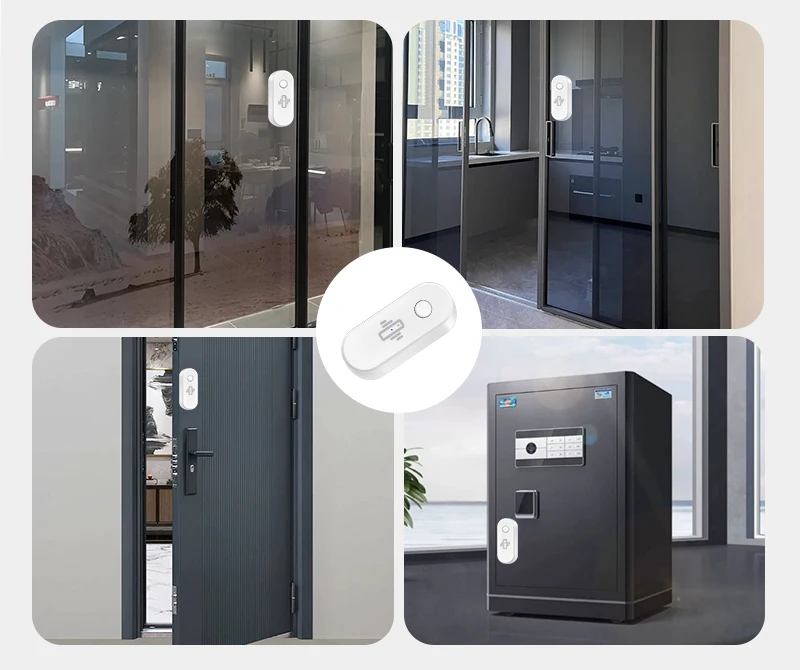
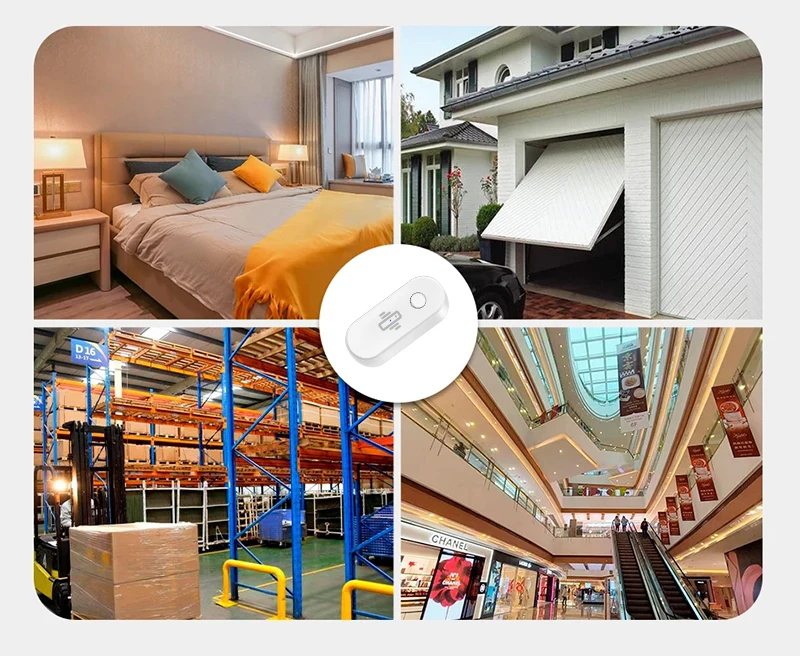
Wide application scenarios.
You can install it in any place like bedroom / garage door / warehouse / shopping mall / apartment / safe etc.
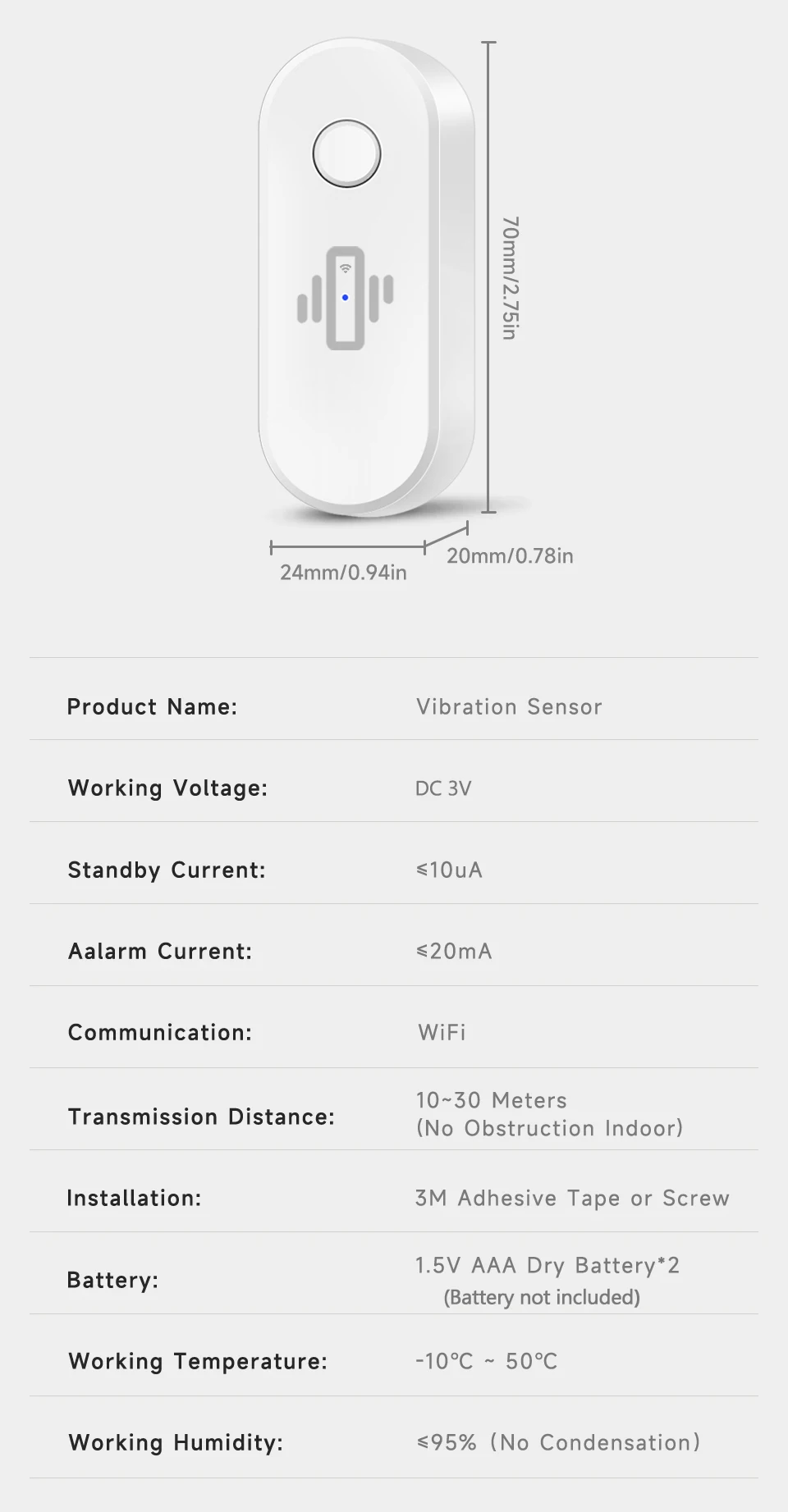
Product parameter
FAQ:
Q1: Does it support 5G WiFi?
A1: Only support 2.4G WiFi, not support 5G WiFi.
Q2: My wifi router is 2.4G version, why does it fail to connect to the router?
A2: Maybe the router device list is blocked, please try restarting the router.
Q3: Why does my device can not connect to wifi?
A3: When you test to connect your device to a WiFi router, please make sure the batteries are new. Old batteries with insufficient voltage will cause network failure.
Q4: Why no vibration was detected when you knock on the detector?
Q4: Please adjust the detection sensitivity in the APP. After detecting a vibration, you need to wait for a while before detecting the second vibration.